
Gemini ai photo editor
Gemini AI Photo Editor – AI Photo Editing Tool
Introduction:
AI-powered online photo editor for watermark removal, retouching, and creative image transformations with fast, secure processing.
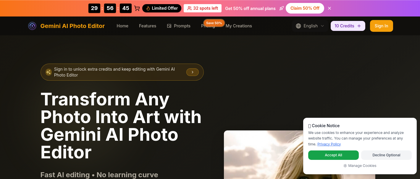
Gemini ai photo editor Product Information
What is Gemini ai photo editor ?
Gemini AI Photo Editor is a browser-based photo editing platform that uses advanced AI to streamline watermark removal, photo retouching, and creative transformations. It delivers professional-quality results through an intuitive interface, making advanced image editing accessible to individuals, creators, and businesses without requiring specialized software or technical expertise.
Gemini ai photo editor's Core Features
AI-powered watermark removal
Automatic photo retouching and enhancement
AI image generation capabilities
Background removal and intelligent object editing
Creative and artistic image transformations
Unlimited image downloads on paid plans
Permanent image history access
Browser-based, no installation required
Gemini ai photo editor's Use Cases
#1
Removing watermarks from images quickly and accurately
#2
Enhancing photos for social media and online content
#3
Creating polished product images for e-commerce listings
#4
Retouching portraits for personal or professional use
#5
Generating and editing AI-assisted creative visuals
Gemini ai photo editor's Pricing
Basic – $14.9/month, includes 1000 credits per month, AI image generation, unlimited downloads, and permanent image history
Pro – $29.9/month, includes 2500 credits per month, all Basic features, AI image generation, unlimited downloads, and permanent image history
Enterprise – $79.9/month, includes 10000 credits per month, all Pro features, AI image generation, unlimited downloads, permanent image history, and a commercial use license
FAQ from Gemini ai photo editor
What image formats does Gemini AI Photo Editor support?
- Gemini AI Photo Editor supports common image formats such as JPG, PNG, and WEBP for online editing.
Is there a limit on image size or resolution?
- Limits depend on the selected plan, with higher-tier plans offering more credits for high-resolution processing.
Can Gemini AI Photo Editor be used offline?
- No, the tool is fully browser-based and requires an internet connection for AI processing.
How fast is image processing?
- Most edits are completed within seconds, depending on image size and complexity.
Is my data secure?
- Yes, images are processed securely and are used only for providing the editing service.